Kasettimuunnin | Kannettava | Tarvikkeet mukana: USB kaapeli | Paristokäyttöinen / USB Virta
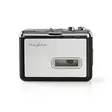






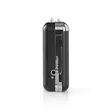
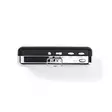
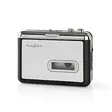
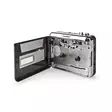

Vieläkö sinulta löytyy kasapäin C-kasetteja? Tällä kasetti-MP3 muuntimella voit nauttia niistä nyt uudelleen. Liität vain adapterin tietokoneeseesi voit muuntaa kasettisi MP3 muotoon ja... Lue lisää
46,90 €
- Tuotenumero: 5412810287765
- Toimittajan tuotenro: ACGRU100GY
kpl
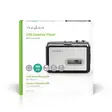
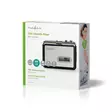
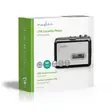
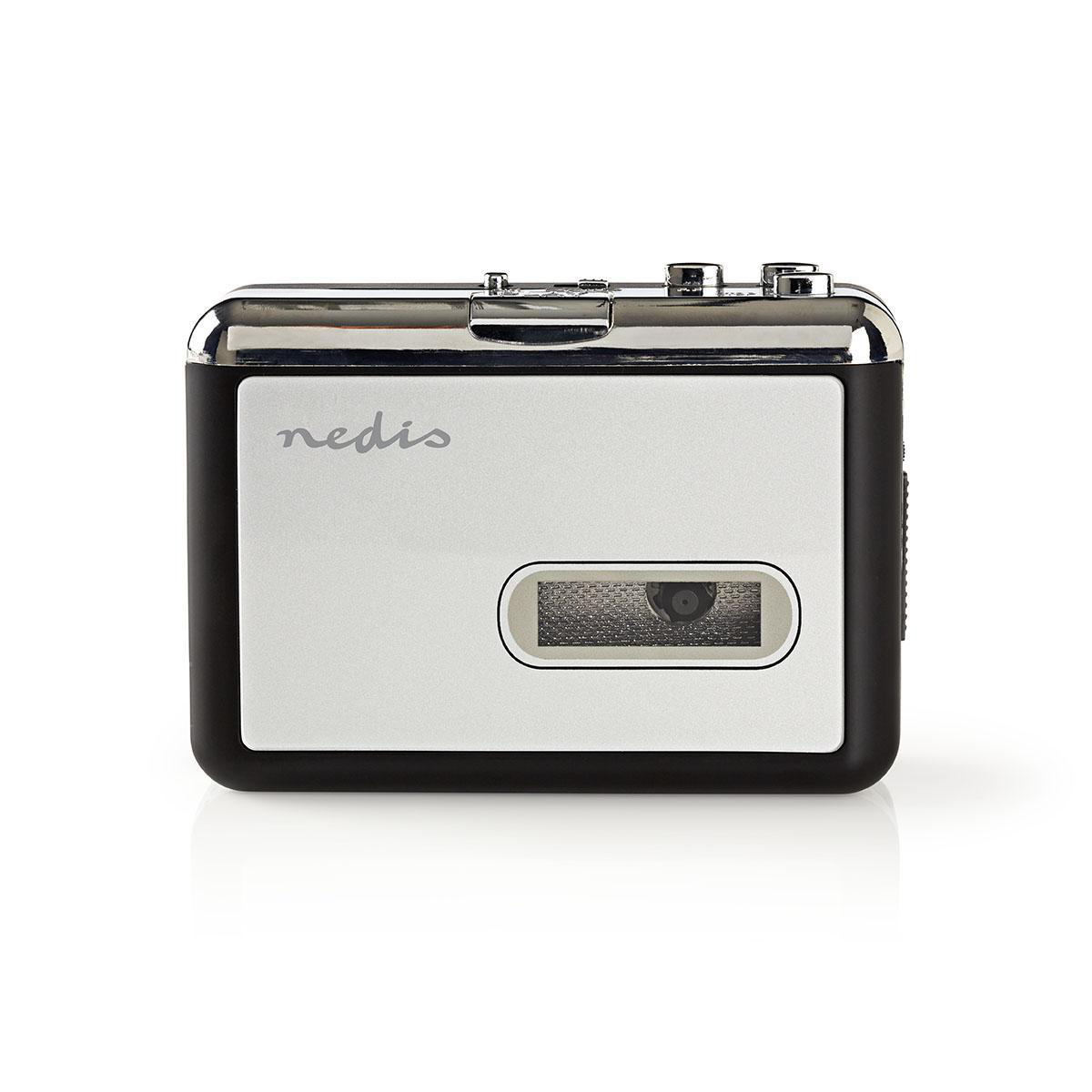
Vieläkö sinulta löytyy kasapäin C-kasetteja? Tällä kasetti-MP3 muuntimella voit nauttia niistä nyt uudelleen. Liität vain adapterin tietokoneeseesi voit muuntaa kasettisi MP3 muotoon ja kuunnella niitä sitten missä vain. Adapteri toimii paristoilla tai USB väylästä.
Ominaisuudet:
• Enjoy music on your old cassette tapes anywhere
• Converts fragile cassette tapes to digital MP3 files, preventing audio degradation
• Works on 2 AA batteries or via USB power supply
• Comes with CD-ROM with Audacity software
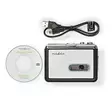
Pakkaussisältö:
Kasetti-digitaalimuunnin
CD-ROM
USB-kaapeli
Pika-aloitusopas
Käyttöohje: http://attachments.content4us.com/datasheets/ACGRU100GY_MAN_COMP_0818_print.PDF
Product attachment: http://attachments.content4us.com/datasheets/ACGRU100GY_SOFTWARE.ZIP
NedisVideo: http://www.youtube.com/watch?v=4-CDXadY2Hs
Product attachment: http://productip.com/?f=215BF3
Tuote-esite: https://datasheets.content4us.com/fi-fi/550679964/portrait
Usein kysytyt kysymykset:
Device isn't recognized by Windows
We recommend you perform a USB reset.
First, please disconnect all USB devices (except mouse and keyboard) and then perform the following steps:
Using the mouse;
1. Click "Start" button, type “devmgmt.msc” (without quotes) in the “Search” bar and press "Enter". Click “Continue” if necessary.
2. In Device Manager, double click to expand "Universal Serial Bus controllers", right click on the Host Controller, click "Uninstall" and click "OK".
3. Repeat the step 2 to uninstall all items under "Universal Serial Bus controllers".
Then, restart your computer and Windows will reinstall all USB controllers automatically.
Virhe käyttöohjeessa!
Käyttöohje kertoo että USB liitännän äänentasoa voidaan säätää laitteella, mutta ei voi.
The device can not be selected as a source device in Audacity.
Please install the latest version of Audacity from www.audacityteam.org to fix this issue.
Where can I download the latest software?
You can download Audacity here:
www.audacityteam.org
Separate drivers are not required.
It uses generic USB drivers that are already present in Windows.
The operating system should automatically recognize the device.
Ominaisuudet:
• Enjoy music on your old cassette tapes anywhere
• Converts fragile cassette tapes to digital MP3 files, preventing audio degradation
• Works on 2 AA batteries or via USB power supply
• Comes with CD-ROM with Audacity software
Pakkaussisältö:
Kasetti-digitaalimuunnin
CD-ROM
USB-kaapeli
Pika-aloitusopas
Käyttöohje: http://attachments.content4us.com/datasheets/ACGRU100GY_MAN_COMP_0818_print.PDF
Product attachment: http://attachments.content4us.com/datasheets/ACGRU100GY_SOFTWARE.ZIP
NedisVideo: http://www.youtube.com/watch?v=4-CDXadY2Hs
Product attachment: http://productip.com/?f=215BF3
Tuote-esite: https://datasheets.content4us.com/fi-fi/550679964/portrait
Usein kysytyt kysymykset:
Device isn't recognized by Windows
We recommend you perform a USB reset.
First, please disconnect all USB devices (except mouse and keyboard) and then perform the following steps:
Using the mouse;
1. Click "Start" button, type “devmgmt.msc” (without quotes) in the “Search” bar and press "Enter". Click “Continue” if necessary.
2. In Device Manager, double click to expand "Universal Serial Bus controllers", right click on the Host Controller, click "Uninstall" and click "OK".
3. Repeat the step 2 to uninstall all items under "Universal Serial Bus controllers".
Then, restart your computer and Windows will reinstall all USB controllers automatically.
Virhe käyttöohjeessa!
Käyttöohje kertoo että USB liitännän äänentasoa voidaan säätää laitteella, mutta ei voi.
The device can not be selected as a source device in Audacity.
Please install the latest version of Audacity from www.audacityteam.org to fix this issue.
Where can I download the latest software?
You can download Audacity here:
www.audacityteam.org
Separate drivers are not required.
It uses generic USB drivers that are already present in Windows.
The operating system should automatically recognize the device.
Varasto
Saatavuus
Osoite
Yhteystiedot ja aukioloajat
Oletko ostanut tämän tuotteen?
Ilmainen toimitus pakettilähetyksiin yli 149 €:n tilauksille

Matkahuolto pakettiautomaatti
4,90 €

Matkahuolto pakettipiste
4,90 €

Nouto Postista
5,90 €

Nouto Postin automaatista
5,90 €

Postnord Pakettiautomaatti
5,90 €

PostNord Palvelupiste
5,90 €
Normaalit hinnat

Nouto Pieksämäen varastolta
0,00 €

Matkahuolto kotiinkuljetus
13,90 €

Postin kotiinkuljetus
14,90 €

PostNord Kotiinkuljetus
14,90 €