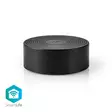
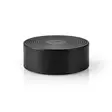
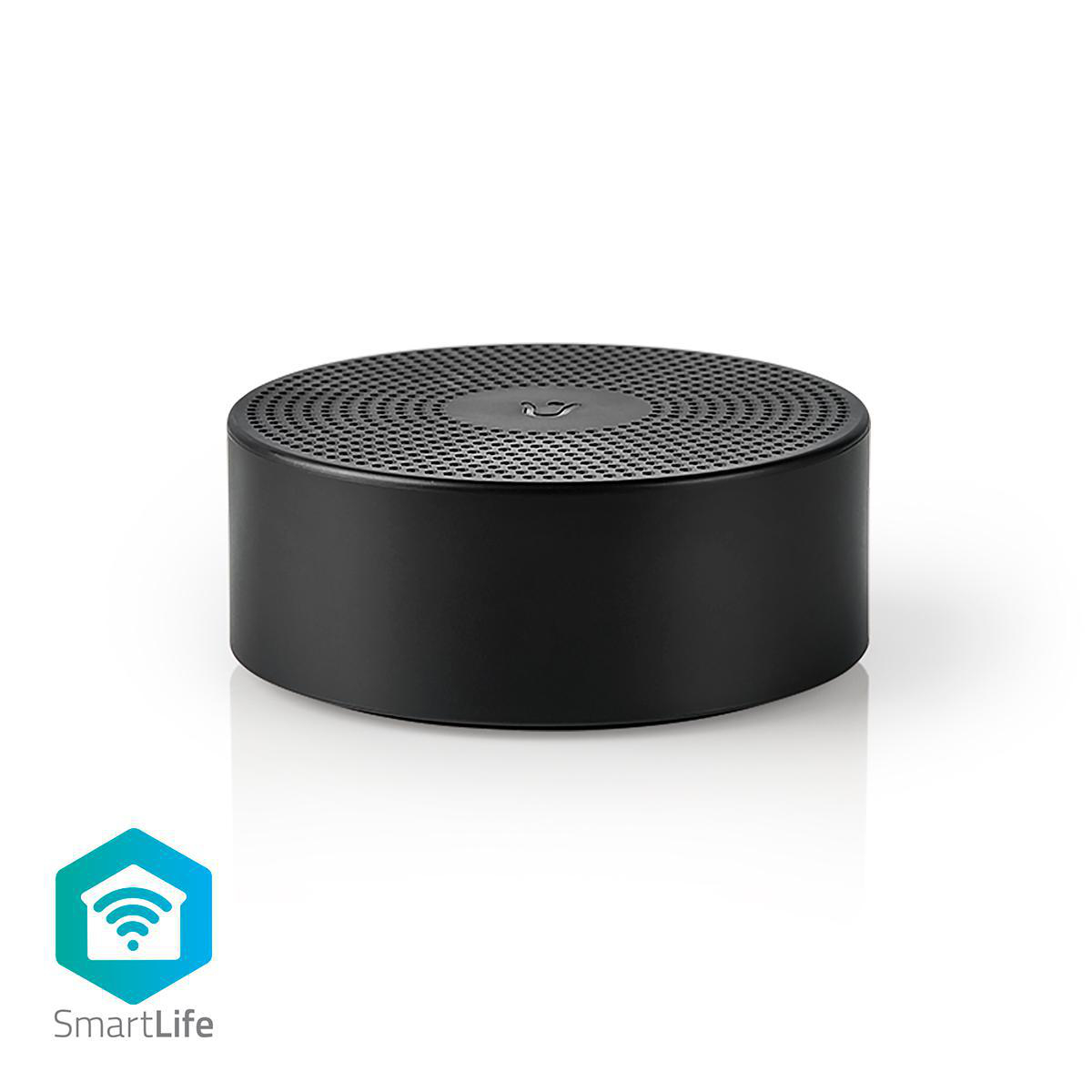
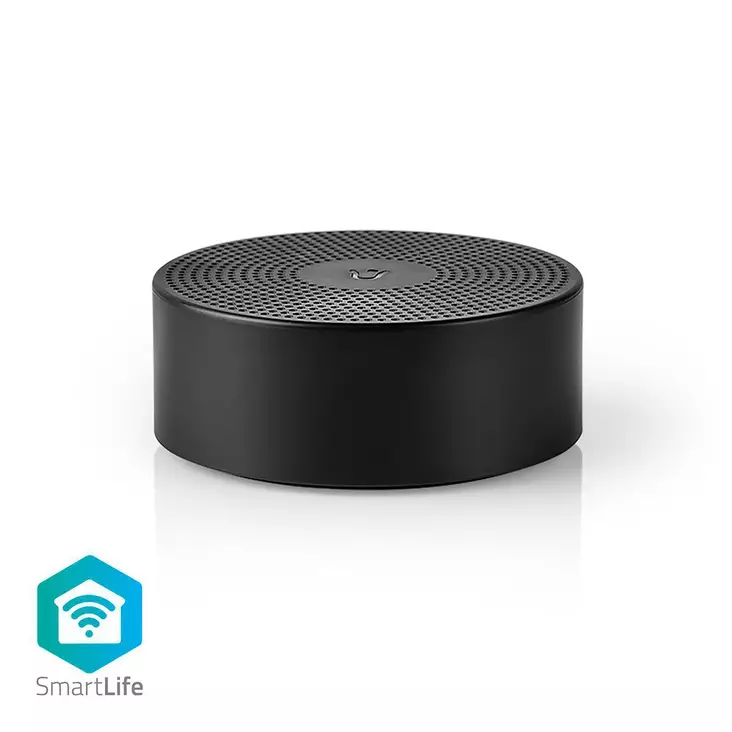
SmartLife Soittokello | RF, frequency 433 Mhz | Tarvikkeet tuotteelle: WIFICDP10GY / WIFICDP30WT / WIFICDP40CWT | USB Virta | 4 Melodiaa | 5 V DC | Säädettävä äänenvoimakkuus | Musta


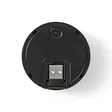
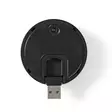
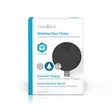
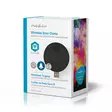

Tämä ovikelloääni on yhteensopiva vain seuraavien kanssa: WIFICDP10GY, WIFICDP20GY/WT, WIFICDP30WT ja WIFICDP40CWT Yhdistä älykkääseen Nedis-ovisilmäkameraan langaton ovikello. Siten tiedät... Lue lisää
14,90 €
- Tuotenumero: 5412810311361
- Toimittajan tuotenro: WIFICDPC10BK
kpl
Tämä ovikelloääni on yhteensopiva vain seuraavien kanssa: WIFICDP10GY, WIFICDP20GY/WT, WIFICDP30WT ja WIFICDP40CWT
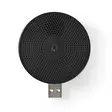
Yhdistä älykkääseen Nedis-ovisilmäkameraan langaton ovikello. Siten tiedät aina, jos joku on ovella, vaikka älypuhelin ei ole lähettyvillä tai se on pois päältä. Liitä ovikello USB-porttiin ja valitse soittoääni ja voimakkuus SmartLife-sovelluksella. Langaton yhteys parantaa käytettävyyttä.
Ominaisuudet:
• Yhteensopiva älykkään Nedis®-ovisilmäkameran kanssa
• Langaton yhteys helpottaa sijoittamista
• Yhteen ovisilmäkameraan voi liittää useita ovikelloja
• Soittoääntä ja äänenvoimakkuutta säädetään SmartLife-sovelluksella
Pakkaussisältö:
Langaton ovikello
Pika-aloitusopas
Video: http://www.youtube.com/watch?v=LLyHDrz7NtI
Product attachment: http://attachments.content4us.com/datasheets/WIFICDPC10BK_MAN_COMP.PDF
Käyttöohje: http://attachments.content4us.com/datasheets/WIFICDPC10BK_MAN_COMP_1120_web.PDF
Video: http://www.youtube.com/watch?v=Xwzu0InWjCA
Video: http://www.youtube.com/watch?v=7ZtFO3NMYMM
Product attachment: http://productip.com/?f=1D976D
Tuote-esite: https://datasheets.content4us.com/fi-fi/550702011/portrait
Usein kysytyt kysymykset:
If I add a new device, I can't add this chime.
It is not linked to the app like other Smartlife products.
This chime is paired to a video doorbell.
How you pair it to your doorbell depends on the model video doorbell.
Check the product page of that particular doorbell.
My Smartlife products lose the Wifi connection every time.
This is probably a Wifi problem, this can be for various reasons.
1.) Wifi signal is unstable.
2.) Wifi signal is too weak.
3.) Using an access point with the same SSID and password that do not support the IEEE 802.11R standards.
Problem 1 can often be solved by restarting the router.
Problem 2 can be checked with an app Wifi analyzer with this the signal can be viewed and corrected to a better position.
Problem 3 can be checked as the access points are turned off, the Wifi signal is still good and the connection remains if the access points are a problem, a Mesh solution can then be used.
Please make sure that they support IEEE 802.11R standard.
Hoe koppel ik de gong aan de WIFICDP10GY video deurbel?
Plaats de gong zo dicht mogelijk bij de video deurbel tijdens de installatie
Druk kort op de knop van de gong zodat het blauwe lampje blijft knipperen. Als u meerdere heeft laat u ze allemaal knipperen.
Ga naar het menu van de deurbel zelf (tik op deurbel: live beeld > rechtsboven op "pen met streepje"
Ga naar instellingen bel
Als er reeds een menu staat (tone, volume etc) dan drukt u eerst op verwijderen
Druk dan op toevoegen.
Vrijwel direct verschijnt het menu.
Ga terug naar het hoofdmenu en test de deurbel.
Maximum number of members that can be added to a family.
You can add maximum 20 members.
Can I give other people access to my Smartlife devices too?
Yes you can.
Each person needs a unique account on their mobile device.
To add them as "family members" follow these steps:
In the main screen of the app tap on the name of your home (top left)
Tap on Home management
Tap on the name of your home again.
Tap on "add family members" and fill in the account details of the person you want to add.
It will give them access to all the devices in your home as a normal member or admin (you can select this)
If you only want to share a single device in a home, go to the settings menu of the device and select "share device" -> add member.
Yhdistä älykkääseen Nedis-ovisilmäkameraan langaton ovikello. Siten tiedät aina, jos joku on ovella, vaikka älypuhelin ei ole lähettyvillä tai se on pois päältä. Liitä ovikello USB-porttiin ja valitse soittoääni ja voimakkuus SmartLife-sovelluksella. Langaton yhteys parantaa käytettävyyttä.
Ominaisuudet:
• Yhteensopiva älykkään Nedis®-ovisilmäkameran kanssa
• Langaton yhteys helpottaa sijoittamista
• Yhteen ovisilmäkameraan voi liittää useita ovikelloja
• Soittoääntä ja äänenvoimakkuutta säädetään SmartLife-sovelluksella
Pakkaussisältö:
Langaton ovikello
Pika-aloitusopas
Video: http://www.youtube.com/watch?v=LLyHDrz7NtI
Product attachment: http://attachments.content4us.com/datasheets/WIFICDPC10BK_MAN_COMP.PDF
Käyttöohje: http://attachments.content4us.com/datasheets/WIFICDPC10BK_MAN_COMP_1120_web.PDF
Video: http://www.youtube.com/watch?v=Xwzu0InWjCA
Video: http://www.youtube.com/watch?v=7ZtFO3NMYMM
Product attachment: http://productip.com/?f=1D976D
Tuote-esite: https://datasheets.content4us.com/fi-fi/550702011/portrait
Usein kysytyt kysymykset:
If I add a new device, I can't add this chime.
It is not linked to the app like other Smartlife products.
This chime is paired to a video doorbell.
How you pair it to your doorbell depends on the model video doorbell.
Check the product page of that particular doorbell.
My Smartlife products lose the Wifi connection every time.
This is probably a Wifi problem, this can be for various reasons.
1.) Wifi signal is unstable.
2.) Wifi signal is too weak.
3.) Using an access point with the same SSID and password that do not support the IEEE 802.11R standards.
Problem 1 can often be solved by restarting the router.
Problem 2 can be checked with an app Wifi analyzer with this the signal can be viewed and corrected to a better position.
Problem 3 can be checked as the access points are turned off, the Wifi signal is still good and the connection remains if the access points are a problem, a Mesh solution can then be used.
Please make sure that they support IEEE 802.11R standard.
Hoe koppel ik de gong aan de WIFICDP10GY video deurbel?
Plaats de gong zo dicht mogelijk bij de video deurbel tijdens de installatie
Druk kort op de knop van de gong zodat het blauwe lampje blijft knipperen. Als u meerdere heeft laat u ze allemaal knipperen.
Ga naar het menu van de deurbel zelf (tik op deurbel: live beeld > rechtsboven op "pen met streepje"
Ga naar instellingen bel
Als er reeds een menu staat (tone, volume etc) dan drukt u eerst op verwijderen
Druk dan op toevoegen.
Vrijwel direct verschijnt het menu.
Ga terug naar het hoofdmenu en test de deurbel.
Maximum number of members that can be added to a family.
You can add maximum 20 members.
Can I give other people access to my Smartlife devices too?
Yes you can.
Each person needs a unique account on their mobile device.
To add them as "family members" follow these steps:
In the main screen of the app tap on the name of your home (top left)
Tap on Home management
Tap on the name of your home again.
Tap on "add family members" and fill in the account details of the person you want to add.
It will give them access to all the devices in your home as a normal member or admin (you can select this)
If you only want to share a single device in a home, go to the settings menu of the device and select "share device" -> add member.
Varasto
Saatavuus
Osoite
Yhteystiedot ja aukioloajat
Oletko ostanut tämän tuotteen?
Ilmainen toimitus pakettilähetyksiin yli 149 €:n tilauksille

Matkahuolto pakettiautomaatti
4,90 €

Matkahuolto pakettipiste
4,90 €

Nouto Postista
5,90 €

Nouto Postin automaatista
5,90 €

Postnord Pakettiautomaatti
5,90 €

PostNord Palvelupiste
5,90 €
Normaalit hinnat

Nouto Pieksämäen varastolta
0,00 €

Matkahuolto kotiinkuljetus
13,90 €

Postin kotiinkuljetus
14,90 €

PostNord Kotiinkuljetus
14,90 €